

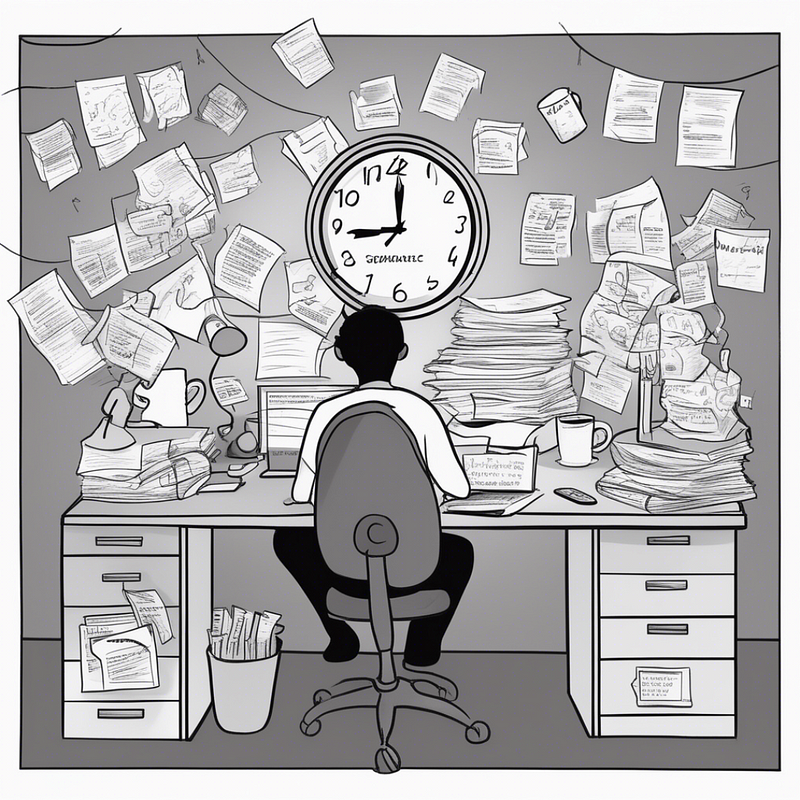
“I wish I could say I started organizing my Salesforce work because I’m disciplined. That I built templates out of foresight, documented everything neatly, and followed some master productivity plan.”
The truth? I built my best systems out of survival.
Transforming Burnout into Productivity:
The Breaking Point
It was 11:23 PM on a Thursday. I was explaining the same Flow logic for the fourth time that week to the same client because I couldn’t find my notes from the previous three explanations.
My inbox had 47 unread messages. My JIRA board looked like a game of Tetris gone wrong. And I had just realized I’d been working 12-hour days for three weeks straight.
That night, I made a decision that changed everything: I was going to get organized, or I was going to quit.
The Chaos Inventory
First, I needed to understand exactly how bad things were:
Email: 847 unread messages across three accounts
Documentation: Scattered across 12 different platforms
Project status: Mostly in my head
Client communication: Reactive and defensive
Sleep schedule: What sleep schedule?
The pattern: I was working harder, not smarter. And it was unsustainable.
The First System (Born from Desperation)
Out of sheer exhaustion, I opened a Google Doc and wrote:
Client name
What they asked for
What I built
When it’s due
What could break
That document became my project tracker. Not because I’m organized because I was drowning.
What Burnout Taught Me
Lesson 1: Documentation Is a Lifeline
When you’re exhausted, memory becomes unreliable. I started writing everything down, not for future-me, but for overwhelmed-me trying to function on 4 hours of sleep.
Lesson 2: Repeatable Structure Beats Memory Every Time
I couldn’t rely on remembering the “right” questions to ask. So I wrote them down. Every discovery call followed the same checklist.
Lesson 3: “I’ll Remember” Is the Biggest Lie We Tell Ourselves
Burnout strips away the illusion that you can keep everything in your head. You can’t. Neither can I. And that’s okay.
The System That Saved Me
Project Templates (because starting from scratch every time is exhausting)
Status Updates (because “How’s it going?” emails drain energy)
Decision Logs (because explaining the same reasoning repeatedly is soul-crushing)
Handoff Documents (because 11 PM support calls are not sustainable)
A Real Before/After
Before Burnout:
Opened every client email with dread
Spent hours trying to remember context
Explained the same thing multiple times
Felt like I was always behind
After Building Systems:
Had clear processes for everything
Could hand off projects confidently
Answered questions once, thoroughly
Felt in control of my workload
The Vulnerability of Systems
Here’s what no one tells you about getting organized: it forces you to confront how chaotic you’ve been.
When I started documenting everything, I realized:
I had been making the same mistakes repeatedly
I was solving the same problems over and over
I was burning time on things that should have been routine
I was exhausted because I was inefficient, not because I was busy
The Compound Effect
Six months later, something magical happened: I had energy again.
Not because I was working less (though I was), but because I was working more intentionally. Systems gave me back the mental space to actually think strategically instead of just reacting to the next urgent thing.
What This Looks Like in Salesforce Work
The general productivity advice is everywhere: use a task manager, write things down, batch your email. That's not what I'm talking about.
I'm talking about the specific systems that prevent burnout when you're managing multiple Salesforce orgs, each with different stakeholders, different release schedules, and different levels of technical debt that nobody warned you about.
Here's what actually saved me:
The Org Context Document
Every client org gets a one-page document I update after every session. It answers five questions:
What is the current state of this org? Not the project plan state. The actual state. What's deployed, what's broken, what's pending, and what the client thinks is true but isn't.
What decisions have been made and why? This is the decision log. When a stakeholder asks three months later why we chose Process Builder over Flow (before Flow replaced everything), the answer is here. Not in my memory. Not in a Slack thread I can't find.
What is the next action and who owns it? One sentence. "Jeremy to deploy the updated Flow to staging by Friday." "Client to confirm field mapping by Wednesday." If this line is blank, the project is stalled and nobody has named it yet.
What data quality issues exist? Every org has them. Most people discover them mid-project when something breaks. I document them at the start and update as we find more. This list becomes the data governance backlog after go-live.
What would happen if I got hit by a bus? Could someone read this document and continue the project? If the answer is no, the document isn't done.
The Automation Audit Habit
Every Friday afternoon, I spend 30 minutes reviewing the Flows and automation in whatever client org I'm actively building in. Not testing. Reviewing.
I open each Flow and ask: does this still make sense in context of everything else we've built this week? Have we added a new automation that conflicts with this one? Has the client changed a requirement that makes this logic wrong?
This habit started after I deployed a Flow that worked perfectly in isolation but conflicted with another Flow that a previous consultant had built and nobody documented. The result was a recursive update loop that hit governor limits and threw errors on every Account save. It took four hours to diagnose on a Saturday morning. The 30-minute Friday review would have caught it.
I wrote about this pattern in detail in my Flow Spaghetti audit guide. The core idea: undocumented automation is technical debt that compounds until someone gets paged on a weekend.
The Client Communication System
Burnout for Salesforce consultants isn't just about the technical work. It's about the communication overhead. Answering the same question from different stakeholders. Explaining the same decision to someone who wasn't in the meeting. Writing status updates that nobody reads but everyone demands.
I solved this with three templates:
The Weekly Status Update: one paragraph per project area. What was completed, what's in progress, what's blocked, and what needs a decision from the client. Same format every week. Clients stop asking "how's it going?" because the answer arrives in their inbox before they think to ask.
The Decision Record: a one-page document for every significant project decision. What was decided. What the alternatives were. Why this option was selected. Who approved it. Date. This exists so nobody has to explain the same reasoning twice. When a new stakeholder joins the project and asks "why did we do it this way?" I send them the decision record instead of scheduling a 30-minute meeting.
The Handoff Package: the full documentation set that gets delivered at project close. Admin runbook, data dictionary, Flow documentation, user guides, architecture overview. I don't build this at the end of the project. I build it as I go. Every section is drafted as the work happens, not reconstructed from memory after the fact.
The handoff package is the single best burnout prevention tool I've built. When a project is properly documented, support calls don't happen. The new admin reads the runbook instead of calling me at 9 PM. I've had clients hire a new admin who never called back for help. That's not a testament to the admin. It's a testament to the documentation.
The Data Governance Connection
The systems I built out of burnout turned out to be data governance frameworks in disguise.
The org context document? That's an operational data dictionary.
The decision log? That's an audit trail.
The Friday automation review? That's a technical debt assessment.
The handoff package? That's a governance knowledge base.
I didn't set out to build governance frameworks. I set out to stop working 12-hour days. But the discipline of documenting everything, reviewing regularly, and building repeatable processes is exactly what data governance is. The vocabulary is different. The practice is identical.
This is why I tell clients that governance isn't a new initiative they need to staff and fund separately. It's the operational discipline they should already have. If they're documenting decisions, reviewing automations, and maintaining data quality checkpoints, they're already doing governance. They just need to formalize what they're already doing and fill the gaps where they're not.
The biggest gap is usually data quality ownership. Everyone assumes someone else is watching the data. Nobody is. That's the gap where AI failures happen, pipeline reports lie, and board presentations contain numbers that don't match reality.
I wrote about this pattern in my Salesforce Ben article on applying data governance to Einstein. The core argument: AI governance is data governance. You can't govern AI outputs without governing the data that feeds them. And you can't govern data without the operational discipline that starts with writing things down and reviewing them regularly.
Which is exactly what burnout forced me to do.
Building Your Burnout Prevention System
Step 1: Track Your Time for One Week
What tasks are you repeating?
What questions are you answering multiple times?
Where do you lose time hunting for information?
Step 2: Document Your Repeatable Processes
Client onboarding checklist
Project discovery questions
Testing procedures
Handoff requirements
Step 3: Create Templates for Common Work
Status update format
Project proposal structure
Technical documentation outline
Change request process
Step 4: Build Decision Trees for Common Scenarios
When to say no to scope creep
How to prioritize competing requests
What requires stakeholder approval
When to escalate issues
The Unexpected Benefits
Better Boundaries: When you have clear processes, it’s easier to communicate expectations and limitations.
Higher Quality Work: When you’re not scrambling, you can focus on doing things right instead of just getting them done.
Easier Delegation: Systems make it possible for others to help instead of everything depending on you.
Client Confidence: Professional processes signal expertise and reliability.
The Meta Lesson
Burnout isn’t a character flaw . It’s data.
It tells you that your current approach isn’t sustainable. It forces you to question assumptions you didn’t realize you were making. It strips away everything except what actually matters.
My burnout taught me more about productivity than any time management book ever could.
Measuring Whether Your Systems Work
Building systems feels productive. But systems that nobody uses or that don't produce measurable results are just procrastination wearing a professional costume.
Three metrics tell you whether your burnout prevention systems are working:
Repeated questions: Track how often a client or team member asks you something your documentation should answer. If the same question comes up twice, your documentation has a gap. Fill it. If it never comes up again, the system is working.
Weekend work hours: Log them honestly. Not as a guilt exercise. As data. If your Saturday morning hours aren't trending toward zero over three months, your systems aren't absorbing enough of the reactive work. Figure out what's still pulling you in and build a system for that.
Handoff success rate: After you finish a project and hand it off, count the support calls in the first 30 days. My target is zero. I don't always hit it. But the trend should be downward over time as your documentation gets better.
These aren't vanity metrics. They're the difference between building systems that look good on paper and building systems that actually give you your evenings back.
If You’re Burning Out Right Now
You’re not weak. You’re not disorganized. You’re not failing.
You’re just trying to solve complex problems without adequate systems. And that’s fixable.
Start small:
Pick one repeating task and write down the steps
Create one template for your most common project type
Set up one automated status update
Document one decision you keep explaining
Remember: Structure isn’t the enemy of creativity. It’s the foundation that makes creativity possible. When you stop spending energy on chaos, you can focus on building something remarkable.
P.S.: If you’re reading this at 11 PM because you’re behind on projects and feeling overwhelmed, I see you.
I’ve been there.
It gets better.
But first, it requires admitting that working harder isn’t the solution.
Working smarter is.
About the Author:
Jeremy Carmona transitioned from journalism to Salesforce, earning 13 certifications along the way. He helps others navigate their Salesforce journey through Clear Concise Consulting.
For more insights on Salesforce careers, Salesforce strategy, and personal growth, follow me here. And remember — your story is just beginning.
