

A step-by-step guide to automated nurture programs that don't annoy your prospects
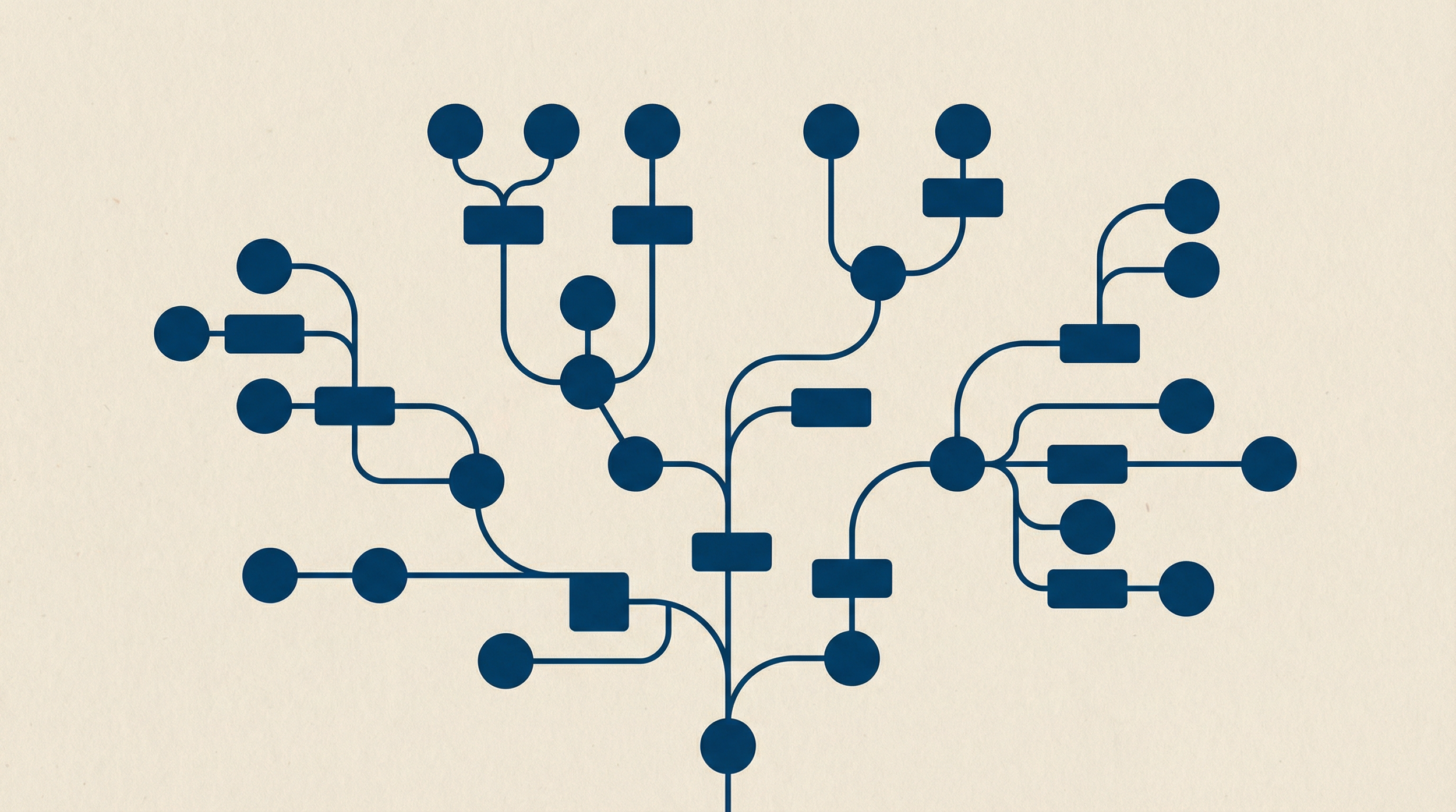
The first Engagement Studio program I built had 47 steps. Fifteen email sends. Eight different branches. It took three weeks to configure and looked impressive in the canvas view.
It converted exactly zero leads to opportunities.
The program was so complicated that prospects couldn't find a path through it. Some got stuck in logic loops. Others hit dead ends where nothing happened. And I couldn't figure out what was broken because the reporting showed 47 different steps, each with its own metrics.
The rebuild took two days. Four emails. Three branches. Simple logic. That version generated 23 MQLs in its first month.
Here's what I learned about building Engagement Studio programs that work.
The Basics: Actions, Triggers, and Rules
Before building anything, understand the three components that make up every Engagement Studio program.
Actions are tasks Pardot performs:
• Send email
• Add to list / Remove from list
• Adjust score
• Notify user
• Change field value
Triggers are prospect behaviors that control the path:
• Email opened
• Email clicked (any link or specific link)
• Form completed
• Landing page completed
• Custom redirect clicked
Rules are condition checks that don't require prospect activity:
• Score threshold (greater than, less than)
• Grade threshold
• Field value match
• List membership
• Salesforce campaign status
The difference between triggers and rules matters. Triggers wait for the prospect to do something. Rules evaluate immediately and move the prospect forward.
A common mistake: using a trigger where you need a rule. "If Score > 100, route to sales" should be a rule, not a trigger. Triggers would wait forever for a "Score > 100" event that never fires because score changes aren't triggerable events.
Planning Before Building
Never open the Engagement Studio canvas without a written plan. Here's the minimum you need:
1. Define the single goal.
Not "nurture leads" or "engage prospects." What specific action do you want the prospect to take?
Examples of real goals:
• Schedule a demo call
• Register for a webinar
• Download a pricing guide
• Request a consultation
One goal per program. If you have three goals, build three programs.
2. Define entry and exit.
Entry: Which list triggers this program? When do prospects join the list?
Common entry points:
• Form submission adds to list
• Salesforce campaign status change
• Score threshold met
• Manual sales rep action
Exit: When does a prospect leave before completion?
Common exit criteria:
• Prospect converts to opportunity
• Prospect unsubscribes
• Prospect is assigned to sales (MQL)
• Prospect requests to be removed
Your suppression list handles exits. Create a dynamic list for exit criteria and set it as the suppression list for the program.
3. Map the happy path.
Draw the ideal journey before mapping exceptions. If everything goes right, what happens?
Example happy path:
1. Prospect downloads white paper
2. Wait 3 days
3. Send follow-up email with related case study
4. Prospect clicks case study link
5. Wait 2 days
6. Send email with demo CTA
7. Prospect clicks demo link
8. Notify sales rep, add to MQL list
Now add the branches for when things don't go right.
Building Your First Program
Walk through a real example: a webinar follow-up sequence.
Goal: Convert webinar registrants who didn't attend into demo requests.
Entry: List = "Webinar X Registrants Who Did Not Attend"
Suppression: List = "Webinar X Attendees" (they get a different sequence)
Step 1: Start with timing
[START] ↓[Wait 1 day]
Never send immediately after entry. Let the prospect breathe. One day is enough for webinar no-shows.
Step 2: Send the first email
[Wait 1 day] ↓[Send Email: "Sorry we missed you"]Content: Recording link + key takeawaysCTA: "Watch the recording" ↓[Trigger: Link clicked?] ├─ YES → [Add to list: "Engaged Webinar Leads"] │ ↓ │ [Wait 3 days] │ ↓ │ [Send Email: "Next steps"] │ CTA: "Schedule a demo" │ └─ NO → [Wait 5 days]
Note the wait period after "No." Five days, not two. If they didn't click the first email, don't hit them again immediately.
Step 3: Handle the no-click path
[Wait 5 days] ↓[Send Email: "One thing you missed"]Content: Single key insight from the webinarCTA: "Get the full recording" ↓[Trigger: Email opened?] ├─ YES → [Wait 2 days] │ ↓ │ [Send Email: "While you're here"] │ CTA: "See how Company X solved this" │ └─ NO → [End]
Notice the exit. If they didn't open email two, stop sending. Three unopened emails from the same sequence trains their inbox to ignore you.
Step 4: Close the loop
Both paths should eventually lead to the same destination: a clear CTA to take the next step.
[Send Email: "Next steps" or "See how Company X"] ↓[Trigger: Clicked demo link?] ├─ YES → [Notify user: Assigned sales rep] │ ↓ │ [Adjust score: +50] │ ↓ │ [Add to list: "Demo Requests"] │ ↓ │ [End] │ └─ NO → [Wait 7 days] ↓ [Send Email: "Last chance"] CTA: "Questions? Reply to this email" ↓ [End]
Total steps: 12
Total emails: 4-5 depending on path
Total branches: 3
That's it. A complete nurture sequence in a single canvas view.
Timing Best Practices
Timing kills more Engagement Studio programs than content does.
Between emails in a sequence:
• Minimum: 2 days
• Recommended: 3-5 days
• Maximum: 14 days
Less than 2 days feels aggressive. More than 14 days loses momentum.
After a non-action (didn't open, didn't click):
• Add 2-3 extra days
• These prospects aren't engaged right now. Give them space.
After a positive action (clicked, downloaded):
• Shorten by 1-2 days
• They're warmer. Capitalize on momentum.
Program duration:
• Short sequences: 2-3 weeks
• Standard nurture: 4-6 weeks
• Long-cycle consideration: 8-12 weeks
I once reviewed a program that spanned 180 days. By email eight (sent on day 90), 3% of the original list was still in the program. That's not nurturing. That's forgetting the person exists.
The Resend Strategy (Use Sparingly)
Resending emails to non-openers works. But it works once.
The pattern:
[Send Email: Original] ↓[Wait 3 days] ↓[Trigger: Email opened?] ├─ YES → [Continue to next step] │ └─ NO → [Send Email: Same content, different subject line] ↓ [Wait 2 days] ↓ [Continue]
Rules:
1. Only resend once per original email
2. Change the subject line (this is why they didn't open)
3. Don't change the body content (confuses reporting)
4. Never resend to someone who explicitly skipped
Resending works because subject lines matter more than most marketers admit. A different subject line catches people who ignored the first one.
But resending twice? That's spam. Your prospects will train themselves to ignore everything from you.
Scoring Within Programs
Engagement Studio can adjust prospect scores. Use this to reflect engagement quality, not just engagement quantity.
Good scoring adjustments:
Action | Points
Opened any email in sequence | +5
Clicked case study link | +15
Clicked demo request link | +30
Completed without action | -10
Why negative points?
A prospect who went through your entire nurture sequence without clicking anything is telling you something. They're not interested right now. Reducing their score prevents them from staying in "warm lead" territory based on old activity.
Side note: this is also why I stopped adding points for email opens. iOS privacy changes made open tracking unreliable. A "phantom open" from a bot inflates scores and muddies the data.
Reporting: What to Actually Measure
The Engagement Studio reporting tab shows everything. Most of it doesn't matter.
Metrics that matter:
1. Completion rate by path: What percentage finished the "happy path" vs. the "no-action path"?
2. Step-level drop-off: Where do prospects exit? If 60% drop after email two, email two has a problem.
3. CTA click rate on final email: This is your conversion metric. If nobody clicks the demo link, your offer isn't compelling.
4. Time in program: Are prospects completing in your expected timeframe? If a 3-week sequence averages 6 weeks to complete, your timing is off.
Metrics that distract:
• Total emails sent (vanity metric)
• Open rate by email (unreliable)
• "Prospects currently in step X" (snapshot, not trend)
Build a simple dashboard in Salesforce tracking:
• Number entered this month
• Number completed this month
• Number converted to MQL
• Average days to completion
Review monthly. Adjust based on trends, not individual emails.
Common Mistakes and Fixes
Mistake 1: Too many branches
If your canvas looks like a subway map, simplify. More than 4-5 branches means you're trying to handle too many personas in one program.
Fix: Build separate programs for different segments. Three simple programs beat one complex one.
Mistake 2: No exit strategy
Prospects who don't engage after three emails need to exit gracefully, not sit in the program forever.
Fix: Add an end step after every "no action" path. Clean exits keep your reporting accurate.
Mistake 3: Using triggers instead of rules for score checks
Score changes aren't triggerable events. A trigger waiting for "score > 100" never fires.
Fix: Use rules for score, grade, and field value checks. Triggers are for prospect actions only.
Mistake 4: Sending operational content through Engagement Studio
Password resets, order confirmations, and system notifications shouldn't go through nurture programs.
Fix: Use operational emails outside Engagement Studio. They bypass unsubscribe status and don't affect your marketing metrics.
Mistake 5: No suppression list
Without suppression, converted customers get nurture emails asking them to become customers.
Fix: Always create a suppression list. Update it automatically when prospects convert or opt out.
A Real-World Example
One of my nonprofit clients needed to re-engage lapsed donors. They hadn't donated in 12+ months and weren't opening emails.
The program:
Entry: Lapsed Donor list (no gift in 12 months, email opened in last 6 months)
Email 1 (Day 0): "We miss you" message with impact story
• Wait 5 days
• If opened: Continue
• If not opened: Exit (they're too cold)
Email 2 (Day 5): Specific program update they previously supported
• Wait 4 days
• If clicked: Send to "Warm Re-Engagement" list, notify development officer
• If not clicked: Continue
Email 3 (Day 9): Low-barrier ask (survey, not donation)
• Wait 7 days
• If completed survey: High-touch follow-up sequence
• If not: Exit
Results after 90 days:
• 34% completed at least one action
• 8% re-donated within 60 days
• Development team followed up with 47 warm leads instead of 2,000 cold names
The program didn't convert lapsed donors directly. It identified which lapsed donors were worth calling. That segmentation was more valuable than any email conversion rate.
Next Steps
1. Audit your existing Engagement Studio programs. Count the steps. If any exceed 20, consider splitting.
2. Define one clear goal for each program you're running.
3. Check your suppression lists. Are converted customers being excluded?
4. Build a reporting dashboard tracking entries, completions, and conversions monthly.
5. Start your next program on paper before opening the canvas.
If you're building your first Engagement Studio program or rebuilding a broken one, Clear Concise Consulting offers Account Engagement implementation packages. Sometimes a two-hour architecture session prevents weeks of rework.
Jeremy Carmona is a 13x certified Salesforce Architect who has built marketing automation systems for nonprofits, healthcare organizations, and enterprise B2B teams since 2012. He teaches Salesforce Administration at NYU Tandon and writes about data governance for Salesforce Ben.
