

The Governance Gap: Why Your Org Isn't Ready for Agentforce (and What to Fix First)
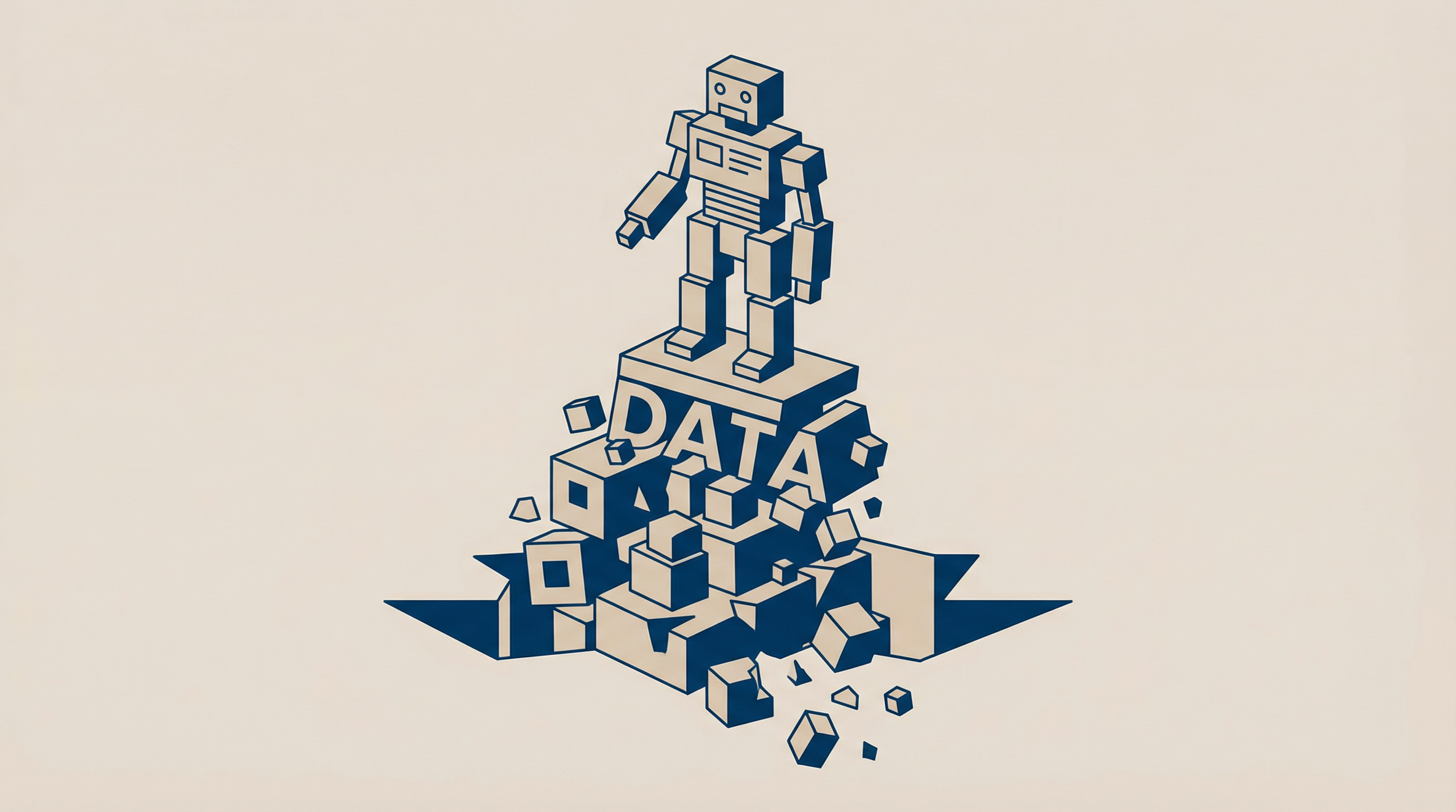
How to assess AI readiness before deploying Salesforce Agentforce or Einstein
Every company wants Agentforce. Almost none of them have the data quality to support it. I know this because they call me after they find out.
A financial services client deployed Agentforce in Q4 last year. Their use case was straightforward: an AI agent that answers customer questions about their account status, recent transactions, and payment due dates. The agent pulled data from Account, Contact, and Opportunity objects. The implementation took 3 weeks. The go-live lasted 2 weeks.
The agent surfaced duplicate records to customers. A customer with two Account records (one from a 2019 migration, one created manually in 2022) would get different answers depending on which record the agent retrieved first. One response showed a $12,000 balance. The next response showed $0. The customer called support. The support rep couldn't explain why the AI gave two different answers because the support rep didn't know the duplicate existed either.
They disabled Agentforce after 14 days. Implementation cost: $30,000. The cost of the data governance assessment they should have done first: $8,000.
I wrote about this exact problem in my Salesforce Ben article: "How Salesforce Admins Can Apply Data Governance to Einstein." The thesis hasn't changed. AI amplifies whatever is in your data. Good data produces reliable AI. Bad data produces confident fiction. The agent doesn't know it's surfacing a duplicate. It delivers wrong information with the same confidence as right information.
Why AI Readiness Is a Data Problem
AI Reads Your Data Literally
A human support rep looking at two Account records for the same customer would recognize the duplicate and pull data from the correct one. An AI agent reads the first record it finds that matches the query criteria. If the first match is the wrong record, the agent delivers wrong information. It doesn't cross-check. It doesn't wonder whether there might be a duplicate. It answers the question with whatever data it retrieves.
AI Scales Your Data Problems
One support rep handling one case with a duplicate record creates one bad customer experience. An AI agent handling 500 conversations per day with the same duplicate data creates 500 bad experiences per day. Every data quality issue that was a minor annoyance at human scale becomes a major failure at AI scale.
AI Exposes Your Sharing Model
If your sharing model is wide open (Public Read/Write on all objects), your AI agent can access every record in the org. If the agent is customer-facing, it might surface data that the customer shouldn't see: internal notes, pricing for other customers, contract terms for other accounts. The sharing model that "worked fine" when only internal users accessed the data becomes a data exposure risk when an AI agent is the interface.
AI Requires Field-Level Completeness
An AI agent asked "What's my account balance?" needs a field to pull that data from. If the balance field is populated on 70% of records and blank on 30%, the agent will return "I don't have that information" for 30% of customers. Those customers experience the AI as broken, even though the AI is functioning correctly. It's the data that's incomplete.
AI Inherits Your Picklist Chaos
If your Case object has a Type picklist with values like "Question," "Problem," "Other," "question," "PROBLEM," "General," and "Misc," the AI agent will categorize cases inconsistently. When leadership asks the AI for a report on how many "Problem" cases were received last month, the answer depends on which variation of "Problem" the query matches. Picklist hygiene that nobody cared about for manual reporting suddenly matters when AI reads those values programmatically.
How to Assess AI Readiness
Before deploying any AI features (Agentforce, Einstein, copilot, or custom AI solutions), run this readiness assessment. It takes 4-6 hours and prevents the $30,000 failed deployment.
Assessment Area 1: Data Quality Foundation
Run the 10-metric Data Quality Baseline from Article 4 of this series. The AI readiness thresholds are stricter than the general data quality thresholds:
| Metric | General Benchmark | AI Readiness Benchmark |
|---|---|---|
| Accounts with no active owner | Below 5% | Below 2% |
| Opportunities with no close date | Below 3% | 0% |
| Contacts with no email | Below 10% | Below 5% |
| Duplicate Account rate | Below 5% | Below 2% |
| Required field population | Above 95% | Above 98% |
| Records not modified in 12 months | Below 30% | Below 20% |
| Picklist "Other" usage | Below 10% | Below 5% |
Why stricter? Because AI processes hundreds of records per hour. A 5% error rate at human scale (10 cases per day) means 0.5 errors per day. The same 5% error rate at AI scale (500 conversations per day) means 25 errors per day. The threshold tightens because the volume amplifies.
Assessment Area 2: Duplication
Duplicate records are the highest-risk data quality issue for AI. Run a comprehensive duplication check:
Navigate to: Setup → Duplicate Management → Duplicate Record Sets
If Duplicate Management is enabled, check how many duplicate record sets exist. If it's not enabled, run the manual check from Article 4:
SELECT Name, COUNT(Id)
FROM Account
GROUP BY Name
HAVING COUNT(Id) > 1
For AI readiness, go beyond exact name matching. Check for fuzzy duplicates:
- "IBM" vs "I.B.M." vs "International Business Machines"
- "John Smith" vs "Jon Smith" vs "J. Smith"
Tools like DemandTools, Cloudingo, or Salesforce's native fuzzy matching rules can identify these. The goal: below 2% duplicate rate across all objects the AI agent will access.
Assessment Area 3: Sharing and Visibility
Review your sharing model through the lens of AI access:
What profile/permission set will the AI agent use? Agentforce agents run in a specific security context. Determine which records the agent can access.
Navigate to: Setup → Agents (or Setup → Einstein) → check the agent's user context
Is the agent customer-facing or internal? Customer-facing agents should only access records related to the authenticated customer. Internal agents can access broader datasets depending on the use case.
Are there records the agent should never surface? Internal notes, competitor pricing, employee information, legal communications. If these records exist on objects the agent accesses, field-level security must prevent the agent from reading those fields.
Navigate to: Setup → Permission Sets → [Agent Permission Set] → Field-Level Security → verify sensitive fields are hidden
Assessment Area 4: Field-Level Completeness for AI Use Cases
For each AI use case, identify the specific fields the agent needs to read. Check the population rate for each field:
SELECT COUNT(Id) FROM Account WHERE [FieldName] != null
Divide by total record count. Any field the AI depends on should be populated at 98% or above. Fields below 98% need a data remediation plan before AI deployment.
Assessment Area 5: Governance Documentation
AI governance requires documentation that may not exist in your org:
- Data dictionary: What does each field mean? What are the valid values? If the AI agent reads a field called "Status" with values "A," "B," and "C," someone needs to define what those values mean in business terms.
- Data ownership: Who is responsible for the quality of each object's data? When the AI surfaces incorrect information, who investigates and fixes the source data?
- AI use case documentation: For each AI agent or feature, document: what data it accesses, what actions it can take, what the expected user experience looks like, and what the failure mode looks like when data is wrong.
- Human oversight process: Who reviews AI outputs? How frequently? What's the escalation path when the AI gives a wrong answer? Every AI deployment needs a human review loop, especially in the first 90 days.
How to Get Your Org Ready
90-Day AI Readiness Plan
Days 1-30: Data foundation
- Run the AI readiness data quality assessment (stricter benchmarks)
- Identify and merge all duplicates
- Populate missing required fields to 98%+ threshold
- Standardize picklist values (eliminate "Other," "Misc," and inconsistent casing)
- Clean orphaned records (no owner, no parent account)
Days 31-60: Governance framework
- Design or refine the sharing model for AI access
- Configure field-level security on the agent's permission set
- Create a data dictionary for all objects the AI will access
- Assign data ownership per object
- Document each planned AI use case
Days 61-90: Pilot deployment
- Deploy the AI agent in sandbox with production-like data
- Test with 50-100 sample conversations/interactions
- Validate that the agent never surfaces duplicate, incorrect, or unauthorized data
- Run the pilot with 5-10 internal users before customer-facing deployment
- Document every issue encountered and its root cause
- Deploy to production only after pilot issues are resolved
The Governance Checklist
Before any AI feature goes live, confirm:
- Duplicate rate below 2% on all objects the AI accesses
- Required fields populated above 98%
- Sharing model restricts AI access to appropriate records
- Field-level security prevents AI from reading sensitive fields
- Data dictionary exists for all AI-relevant objects
- Data ownership assigned per object
- Human oversight process documented and staffed
- Rollback plan documented (how to disable the AI feature if it malfunctions)
- Pilot completed with documented results
How to Prevent AI-Data Misalignment
Monthly AI data quality review: Run the AI readiness benchmarks monthly for every object the AI accesses. If duplicate rates or field population rates slip below threshold, pause AI deployment until remediated.
Feedback loop from AI interactions: When the AI gives a wrong answer, trace it back to the data. Was it a duplicate? A missing field? An outdated record? Log these root causes. Patterns in AI errors reveal patterns in data quality issues.
AI governance as a standing agenda item: Add AI data quality to the monthly business review. Report on: AI interaction volume, error rate, root cause distribution, and data quality trends. This keeps governance visible to leadership and prevents the "set it and forget it" pattern that caused the original data quality problems.
Download the AI Readiness Assessment Checklist
The AI Readiness Assessment Checklist is a two-page PDF with the stricter benchmarks, the 5 assessment areas, the 90-day readiness plan, and the go-live governance checklist. Run it before deploying Agentforce, Einstein, or any AI feature. The $8,000 assessment prevents the $30,000 failed deployment.
Part 9 of 10 in the series: What Your Salesforce Org Says About Your Company.
