

The Fix: A 30-60-90 Day Roadmap for Cleaning Up Your Salesforce Org
The Fix: A 30-60-90 Day Roadmap for Cleaning Up Your Salesforce Org
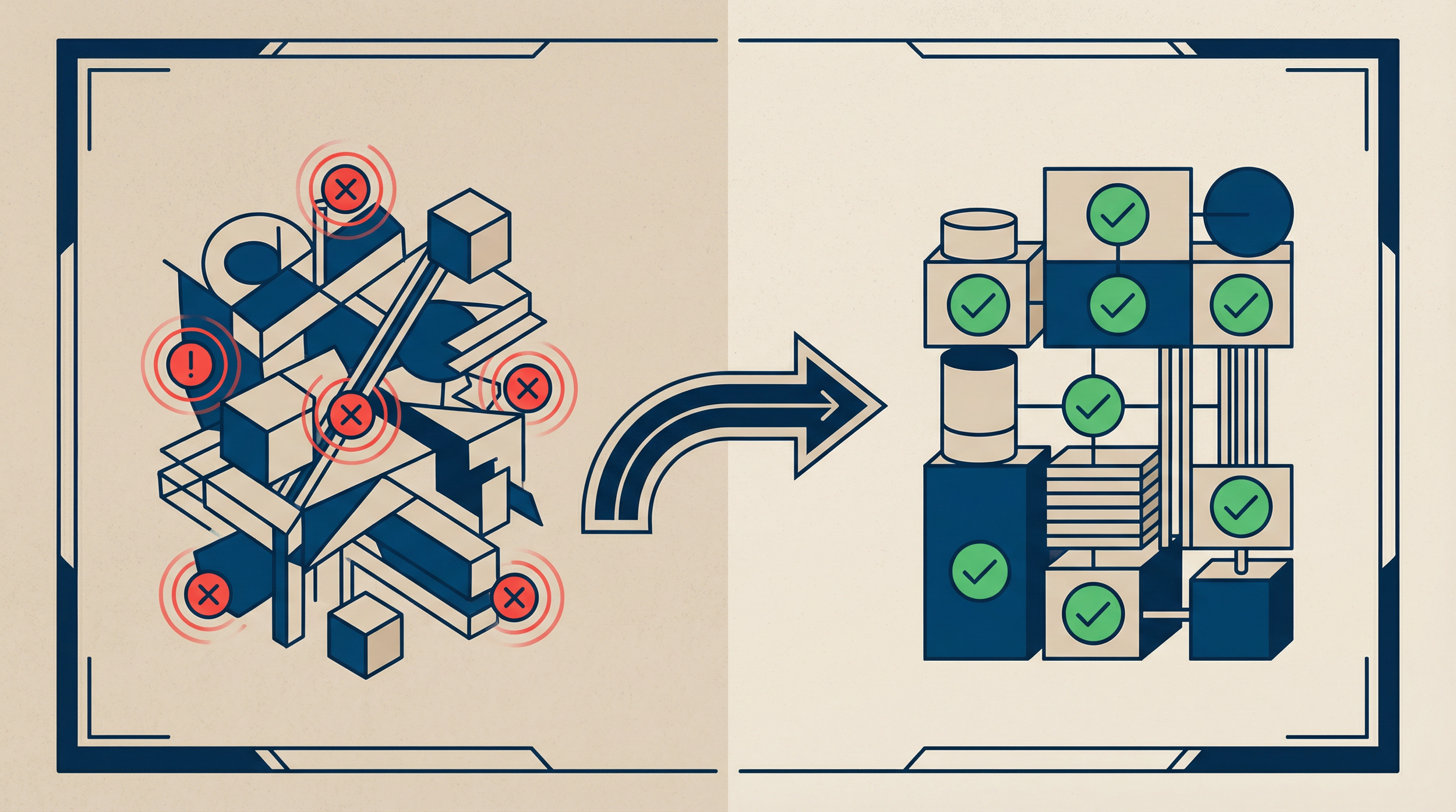
I've spent 9 posts telling you what's wrong with your Salesforce org. Here's the part I actually care about: it's all fixable.
Every org I've assessed, no matter how messy, follows the same cleanup pattern. The 400-object org, the Flow spaghetti, the dirty data, the undocumented integrations, the sharing model that nobody designed: they all respond to the same 30-60-90 day framework. The problems feel overwhelming when you're staring at 312 ghost objects and 47 undocumented Flows. They become manageable when you have a sequence.
The nonprofit I've referenced throughout this series hired me for a full org health engagement. The assessment (Article 1) took 2 weeks. The cleanup took 10 weeks. The total project cost: $45,000. The org had accumulated technical debt for 4 years across 3 admin transitions. Nobody had run an assessment. Nobody had audited the Flows. Nobody had checked the sharing model. Nobody had documented the integrations. Everything in this series was present in one org.
Here's what the fix looked like. Week by week.
We inherited a Salesforce org with years of undocumented changes. Where do we start?
Start by documenting before deleting. Inventory automations, objects, integrations, permissions, and data quality; map dependencies and owners; then prioritize the work by business risk. Remove or consolidate only after testing shows what each component affects.
- Document automations, objects, integrations, permissions, and owners.
- Map dependencies before disabling or deleting anything.
- Assess data quality and access risks.
- Rank remediation by security exposure, business impact, and reversibility.
Use the Salesforce Org Assessment Checklist to build the inventory. If you need independent prioritization, request a Salesforce AI Data Readiness Assessment.
Days 1-30: Assess Everything Before Fixing Anything
This is the hardest discipline for most admins and architects. The instinct is to start fixing as soon as you find a problem. Resist it. Document everything first. Understand the dependencies. Then prioritize.
Week 1: Automation and Object Audit
Run the Org Health Checklist from Article 1. Complete the Flow Audit from Article 3 and the Custom Object Audit from Article 2.
Expected outputs:
- Total active Flow count with per-object breakdown
- Flow conflict map (multiple Flows on the same object updating the same fields)
- Custom object inventory categorized as Active/Dormant/Ghost
- Ghost object ratio
At the nonprofit: 47 active Flows (12 with no description, 3 contradicting each other on Account). 312 custom objects. 188 ghost objects. Ghost ratio: 60%.
Week 2: Data Quality and Sharing Model
Run the Data Quality Assessment from Article 4. Complete the Sharing Model Assessment from Article 6.
Expected outputs:
- 10-metric data quality scorecard
- Current OWD settings for all objects
- Role hierarchy map
- Sharing rule inventory
- Permission set audit
At the nonprofit: 23% of Accounts had no owner. 31% of Opportunities had no close date. OWD was Public Read/Write on every object. 200 users could see every record. No sharing rules existed.
Week 3: Integration and Sandbox Review
Complete the Integration Inventory from Article 7. Review sandbox architecture and refresh history from Article 5.
Expected outputs:
- Complete integration catalog (every system connected to Salesforce)
- Credential ownership map (whose credentials are used for each integration)
- Sandbox refresh dates and architecture assessment
At the nonprofit: 14 integrations (they reported 3). 8 using a former developer's credentials. 2 silently failing. Sandbox last refreshed 11 months prior.
Week 4: Compile and Prioritize
Take all findings from Weeks 1-3 and organize them into a prioritized action plan. The priority framework:
Priority 1: Security and Compliance (fix immediately)
These create legal, regulatory, or reputational exposure:
- Sharing model exposing sensitive data to unauthorized users
- Integration credentials tied to deactivated accounts
- Customer-facing data accessible to internal roles that shouldn't see it
- AI agents accessing duplicate or unauthorized records
At the nonprofit: sharing model retrofit was Priority 1. Clinical staff seeing billing data violated their internal compliance policies.
Priority 2: Silent Failures (fix within 2 weeks)
These are actively creating bad data or missing data without anyone noticing:
- Integrations that have been failing silently
- Flows that contradict each other (overwriting field values unpredictably)
- Automations that create duplicate records
At the nonprofit: 2 silently failing integrations and 3 contradicting Flows on Account were Priority 2.
Priority 3: Data Quality (fix within 30 days)
These affect reporting accuracy and user trust:
- Orphaned records (no owner)
- Stale Opportunities (past close date, still open)
- Missing required fields
- Duplicate records
At the nonprofit: data quality cleanup ran in parallel with the sharing model work. The 23% Account ownership gap was the highest-impact fix because it affected every Account report.
Priority 4: Technical Debt (fix within 60 days)
These slow down the org and make future work harder but aren't actively causing failures:
- Ghost objects
- Undocumented Flows
- Deprecated automations (Process Builders, Workflow Rules)
- Stale sandbox
Priority 5: Architecture Improvements (plan for 60-90 days)
These are strategic investments in long-term org health:
- Object model consolidation
- Flow consolidation
- Integration architecture redesign
- AI readiness foundation
Presenting the Assessment to Leadership
The assessment produces a document that leadership needs to see. The format:
Page 1: Executive Summary
- Current org health score (from the checklist)
- Top 3 risks (specific, with business impact stated in dollars or productivity loss)
- Recommended investment (time and cost for remediation)
- Consequence of inaction (what happens if nothing is done)
Page 2-3: Findings by Category
- Automations: count, conflicts, undocumented items
- Data Model: object count, ghost ratio, consolidation candidates
- Data Quality: 10-metric scorecard with benchmarks
- Sharing Model: current state vs. recommended state
- Integrations: inventory, credential issues, documentation gaps
Page 4: Prioritized Roadmap
- Visual timeline showing the 30-60-90 day phases
- Each item sized by effort (S/M/L) and tagged by priority level
This format gives leadership the information they need to approve the remediation budget without reading 20 pages of technical findings.
Days 31-60: Fix the Foundation
With assessment complete and priorities documented, start fixing. The sequence matters: security first, then silent failures, then data quality.
Security and Sharing Model (Weeks 5-8)
Follow the sharing model fix process from Article 6:
- Design the target state OWD settings
- Build the role hierarchy changes in sandbox
- Create sharing rules for cross-department access needs
- Configure permission sets for role-specific access
- Test every automation and report against the restricted sharing model
- Deploy to production with user communication
At the nonprofit: this took 4 weeks. The biggest challenge was Flows that queried records across the org and broke when visibility was restricted. 6 Flows needed updates to run in System Context instead of User Context.
Integration Remediation (Weeks 5-6)
Fix the immediate integration risks:
- Replace personal credentials with service accounts
- Reactivate silently failing integrations
- Add error notification to every integration
- Create the one-page documentation for each integration (Article 7)
At the nonprofit: replacing 8 sets of personal credentials with 2 service accounts took 3 days. Reactivating the 2 failed integrations took 1 day each. The total integration fix: 5 days.
Flow Consolidation (Weeks 6-8)
Consolidate the conflicting Flows identified in the assessment:
- Map the logic from each conflicting Flow
- Design a consolidated Flow with Decision elements for each scenario
- Build in sandbox, test with sample data
- Deploy and deactivate (not delete) the old Flows
- Monitor for 2-4 weeks before deleting the old Flows
At the nonprofit: 3 Account owner Flows consolidated into 1. The support ticket volume for Account ownership issues dropped from 15-20 per week to zero.
Data Quality Cleanup (Weeks 5-8, ongoing)
Execute the data fixes in priority order from Article 4:
- Reassign orphaned records to active owners
- Close stale Opportunities (past close date, still open)
- Populate missing required fields (send lists to record owners)
- Merge duplicate records (use Salesforce native merge for small volumes, DemandTools for large volumes)
At the nonprofit: orphaned Account reassignment took 2 days. Stale Opportunity cleanup took 3 days (after business users reviewed and confirmed which to close). Duplicate merging took 2 weeks.
Days 61-90: Govern So It Doesn't Come Back
The cleanup is temporary if you don't put governance in place. Every problem in this series recurs without ongoing discipline.
Automation Governance
- Naming convention enforced: [Object][Action][Type] for all new Flows
- Description required: Every Flow must have a description before activation
- Quarterly Flow audit: Export active Flow list, verify descriptions, check for conflicts
- Maximum 3 Record-Triggered Flows per object: If a fourth is needed, consolidate first
- Deprecation complete: All Process Builders and Workflow Rules migrated to Flows by [date]
Data Quality Governance
- Monthly data quality dashboard review: The 4-component dashboard from Article 4, reviewed on the first Monday of every month
- Validation rules on stage progression: Required fields enforced at each Opportunity stage
- Ownership reassignment Flow: Automated notification when a user is deactivated
- Quarterly deduplication check: Run matching rules report, merge identified duplicates
Integration Governance
- Quarterly credential review: Verify all service accounts are active and credentials aren't expired
- Monthly health check: Confirm each integration synced successfully in the last 30 days
- Integration documentation update: When any integration changes, the one-page document is updated the same day
- Onboarding/offboarding integration check: Standard checklist item for IT
Sharing Model Governance
- Annual sharing model review: Compare OWD settings and role hierarchy against current org structure
- New employee access verification: Confirm role, permission sets, and public groups before granting access
- Quarterly compliance checkpoint: For regulated industries, verify data access compliance
Object Model Governance
- Quarterly ghost object audit: Check for objects with zero records for 2+ consecutive quarters
- Object creation approval: New custom objects require business justification and architect approval
- Annual object consolidation review: Identify dormant objects that can be merged into active objects
The Ongoing Cadence
After the initial 90-day engagement, org health maintenance follows a recurring schedule:
| Frequency | Activity | Time Investment |
|---|---|---|
| Weekly | Check automation error logs | 15 minutes |
| Monthly | Data quality dashboard review | 30 minutes |
| Monthly | Integration health check | 30 minutes |
| Quarterly | Flow audit | 2-4 hours |
| Quarterly | Ghost object check | 1-2 hours |
| Quarterly | Credential review | 1 hour |
| Annually | Sharing model review | 4-8 hours |
| Annually | Object consolidation review | 4-8 hours |
Total ongoing investment: approximately 4-6 hours per month. That's the cost of governance. The cost of not doing governance is the $45,000 cleanup project that happens every 3-4 years when the technical debt becomes unbearable.
What This Costs (and What It Saves)
| Investment | Cost | Time |
|---|---|---|
| Org health assessment | $5,000-$15,000 | 2-4 weeks |
| Typical cleanup project | $20,000-$60,000 | 8-12 weeks |
| Ongoing governance | 4-6 hours/month | Continuous |
| Cost of Inaction | Impact |
|---|---|
| Stale pipeline data | Budget and hiring decisions made on inflated numbers |
| Sharing model exposure | Compliance violation risk |
| Silent integration failure | Weeks of missing or incorrect data |
| Undocumented automations | Every admin transition costs more than the last |
| Dirty data + AI deployment | $30,000 failed AI implementation |
I've never had a client finish an assessment and say "we should have waited longer to do this." The assessment pays for itself in the first finding.
Download the Org Health Roadmap Template
The Org Health Roadmap Template is an editable document with the 30-60-90 day framework pre-built: assessment activities by week, fix activities by priority, governance rules by category, and the ongoing cadence calendar. Customize it for your org. Share it with your leadership team. Start Monday.
Download it here. It's free.
Last one. Part 10 of 10 in the series: What Your Salesforce Org Says About Your Company.
All 10 guides and templates are free on the blog. They'll stay that way.
