

How to Know If Your Candidate Actually Knows Experience Cloud
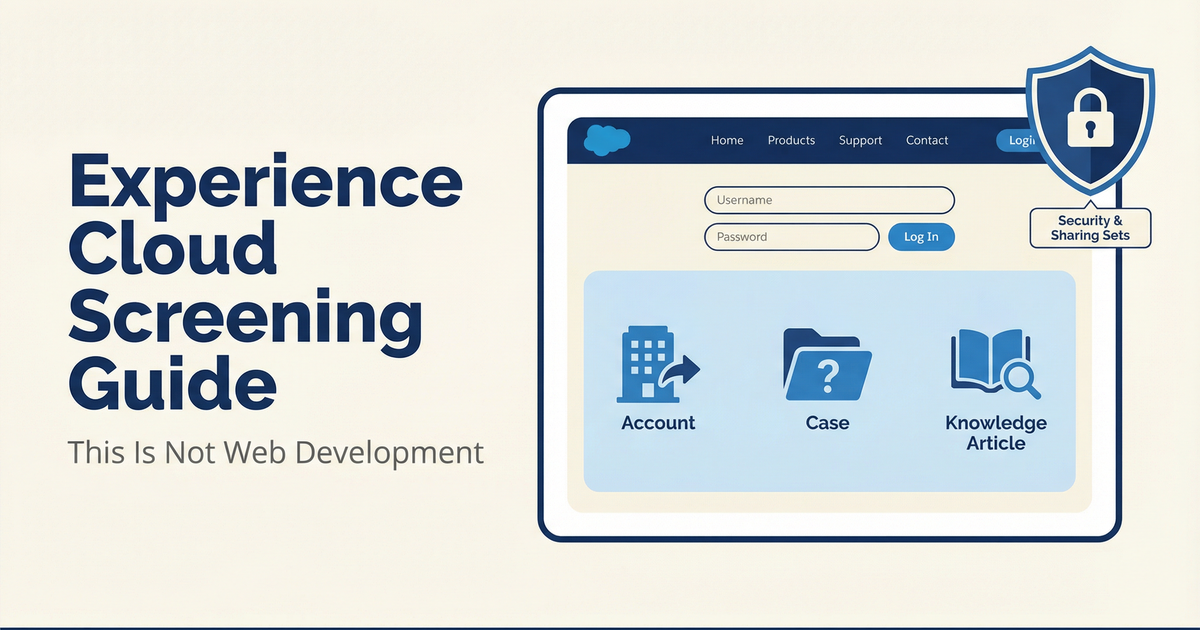
Saw a JD this morning: "Experience Cloud Developer. Must have 5 years HTML/CSS/JavaScript experience."
Experience Cloud is not web development. It is Salesforce configuration with a portal on top of it. The candidate you want knows sharing sets and Lightning components. The candidate you described knows React and Node.js. Those people will never be the same person.
Experience Cloud (formerly Community Cloud, renamed in 2021) builds websites, portals, and apps on top of Salesforce data. Customer portals where clients check their cases. Partner portals for channel management. Self-service help centers. All Experience Cloud.
Core Components
Site: The portal itself. Template type, custom domain, SEO settings, login page configuration.
Network: Backend configuration: members, tabs, branding, guest user profile.
External User: Portal user record. Tied to a Contact, assigned a license type (Customer Community, Partner Community, etc.), governed by sharing sets.
Guest User: Unauthenticated visitor. Controlled by the Guest User Profile. The number one security misconfiguration in Experience Cloud implementations.
Sharing Set: Controls what external users can see. Based on user-to-record relationships. Replaces standard sharing rules for portal contexts.
Page/Component: Visual elements built in Experience Builder. Standard components, custom LWC, CSS overrides.
Experience Tiers
Beginner: Activate a site from a template. Add members. Customize branding. Configure basic navigation.
Intermediate: Configure sharing sets for external data access. Self-registration setup. Custom pages in Experience Builder. Audience targeting by user type.
Advanced: Implement SSO for external users. CMS-connected content. Guest user security hardening. B2B Commerce on Experience Cloud. Build LWR custom themes. Multi-language portal architecture.
Five Screening Questions
1. "Template-based vs. custom site: what is the difference?" Strong: Templates (Customer Service, Partner Central) provide pre-built layouts. Custom sites use LWR or Aura for more control. Can articulate when each is appropriate. Red flag: Describes building with Visualforce. That approach is pre-2018.
2. "How do you manage external user security?" Strong: Discusses guest profiles, sharing sets, license types, how sharing differs from internal users. Red flag: Does not understand that external user security is fundamentally different from internal.
3. "How did you handle branding?" Strong: Experience Builder, custom themes, CSS overrides, Lightning components, mobile responsiveness. Red flag: Has never used Experience Builder.
4. "What license types have you worked with?" Strong: Names specific licenses: Customer Community, Customer Community Plus, Partner Community, External Apps. Explains feature and cost differences. Red flag: Does not know Experience Cloud requires separate licenses from internal Salesforce.
5. "Have you configured self-service features for portal users?" Strong: Knowledge exposure, case deflection, case creation from portal, search optimization. Red flag: Cannot describe how data visibility differs between authenticated portal users and guest users.
How to Tell If Someone Is Lying
"What is the Guest User Profile and why is it a security risk?" Real: Controls unauthenticated access. Describes hardening: limiting object access, restricting API access, auditing public records. Mentions Salesforce's Critical Update requiring explicit guest user sharing rules. Fabricated: Does not know the Guest User Profile exists. Every Experience Cloud implementation has a guest user. Misconfigurations are the most common portal security vulnerability.
"A partner says they cannot see their Opportunities in the portal. Where do you start?" Real: Checks sharing set configuration, partner user profile/permission set for object access, portal page layout for the Opportunity component, and license type capabilities. Fabricated: "I would check their permissions" without mentioning sharing sets. Standard sharing rules work differently for external users. That distinction is the whole point of Experience Cloud security.
"How do you test before launching?" Real: Previews as different user types (guest, customer, partner) in Experience Builder. Tests login flows, self-registration, and data visibility with test external user accounts. Fabricated: "I looked at it in a browser." A single browser preview does not test security boundaries. Experience Cloud testing requires logging in as different user types to verify data visibility per license.
Job Description Mistakes
If you see: "Web developer with Salesforce Community experience" Change to: "Experience Cloud Consultant with Lightning component customization skills." This is Salesforce work.
If you see: "Community Cloud experience" in the job title Change to: "Experience Cloud." Community Cloud was renamed in 2021. Using the old name signals your JD is outdated, which signals to candidates that your team is not current.
Free Guide Here: Experience Cloud Guide
Part 5 of a 10-part series. Previously: Marketing Cloud Screening Guide. Next: Data Cloud Screening Guide
Jeremy Carmona is a 13x Salesforce certified architect, founder of Clear Concise Consulting, and adjunct instructor at NYU Tandon School of Engineering.
