
Nonprofit Salesforce Data Migration: What the Free Licenses Don't Cover
Nonprofit Salesforce data migration is the part of the project everyone budgets last and pays for twice. A client learned this the expensive way.They migrated 70,000 records from their legacy system and skipped deduplication because "we'll clean it up after." They skipped field mapping validation because "the fields are the same." The result: 12,000 duplicate Accounts, 8,000 orphaned Contacts, and a dashboard showing $4.2 million in pipeline when the actual number was $42,000. Cents loaded as dollars. Two decimal places. The cleanup ran $25,000 and six weeks, which cost more than the original migration.
I have been on the other side of this table since 2012, when managing donor records across 70,000+ constituents at Environmental Defense Fund was my actual day job. The pattern has not changed in fourteen years. Migrations fail in the mapping, not the loading. The loading is a Tuesday afternoon. The mapping is the project.
Why nonprofit migrations go sideways
Five root causes show up over and over, and none of them are technical.
Free licenses create a free-migration assumption. Eligible 501(c)(3) organizations get ten Enterprise Edition licenses through Salesforce's Power of Us Program, for NPSP and Nonprofit Cloud alike. The program does not include implementation, data migration, or training. Boards hear "free Salesforce" and approve a budget of zero. The data still has to move, and somebody still has to move it.
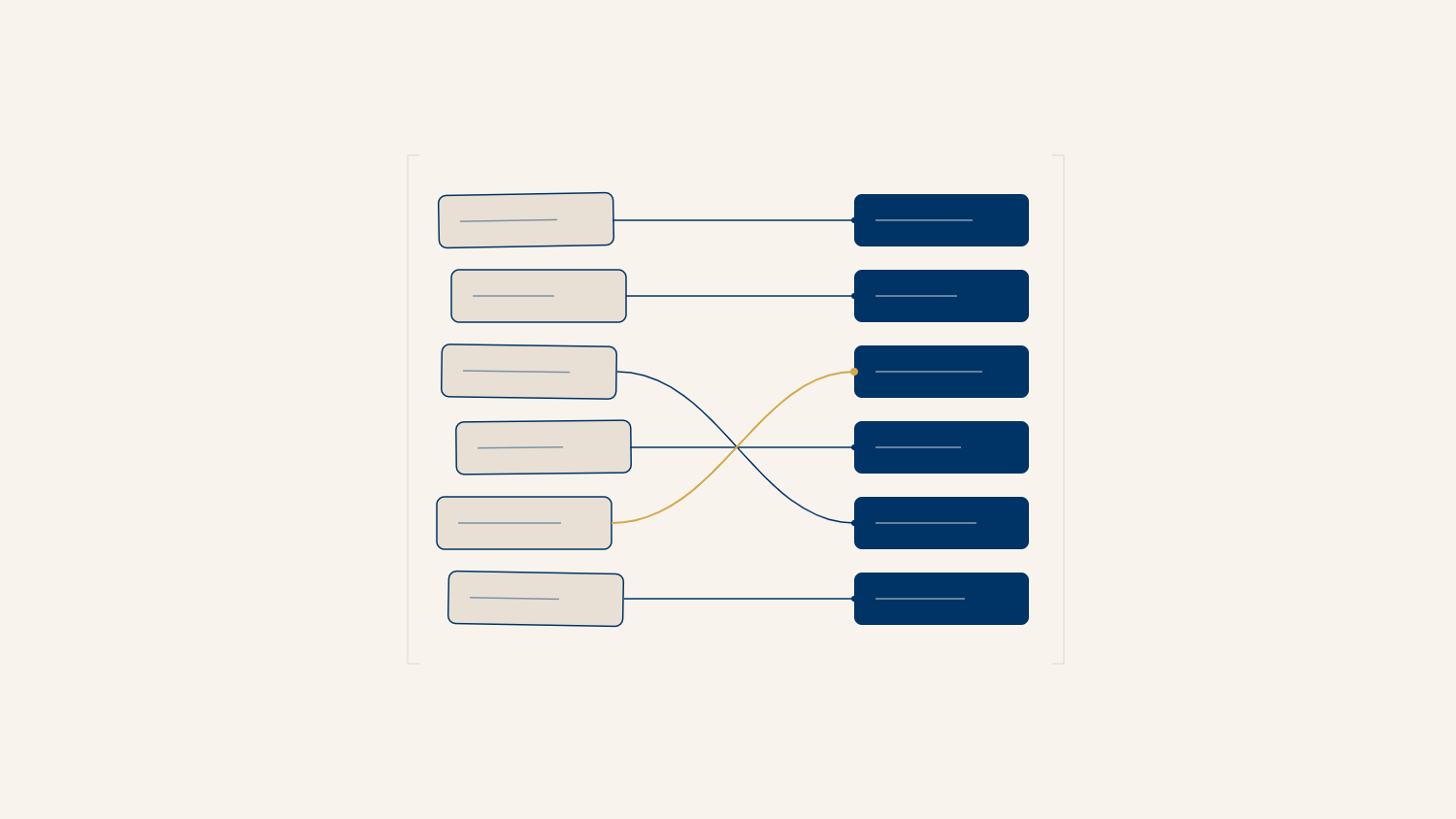
The legacy schema does not match the Salesforce model. Raiser's Edge, eTapestry, DonorPerfect, and twelve years of spreadsheets all store donors as flat rows. NPSP wants Households, Contacts, Affiliations, and Opportunities with Contact Roles. A flat row does not become a relational model by wishing. Every unmapped relationship becomes an orphaned record on the other side.
"The fields are the same" is never true. Legacy "Donor Type" holds nine values entered by six people over a decade. Your new picklist has four. Someone has to decide where "Lapsed-ish" goes, and if nobody decides before the load, the load decides for you.
Nobody owns the decision log. Volunteer admins and accidental admins run most nonprofit orgs. They can execute a migration. What they usually cannot do is force the development director and the program director into one room to agree on what counts as a duplicate. That is a governance gap wearing a technical costume.
Cleanup gets scheduled for "after." After never arrives. After is when the gala campaign starts and the org goes into production with the mess baked in.
How to diagnose before you move a single record
Run the pre-flight audit in the legacy system and in Salesforce before any load. Three checks, in this order.
Count everything. Export record counts by object equivalent from the legacy system: constituents, organizations, gifts, pledges, notes. Write the numbers down. These are your reconciliation targets. A migration without target counts is a migration you cannot verify.
Scan for duplicates at the source. Run a match on email plus last name, then mailing address plus last name. In Salesforce, confirm your matching logic at Setup > Duplicate Rules and Setup > Matching Rules before the load, not after. Loading duplicates and then deduplicating in production is how you merge away a donor's giving history.
Inventory every field. Export the legacy field list with sample values. In Salesforce, check the target at Setup > Object Manager > [Object] > Fields & Relationships. Every legacy field gets one of three verdicts: mapped, transformed, or retired. "We'll figure it out during the load" is a fourth verdict called orphaned data.
How to run the load itself
The load order matters more than the tool. Data Import Wizard handles simple Contact loads; Data Loader is the right call at nonprofit scale and for anything with relationships.
Load in dependency order: Accounts and Households first, then Contacts, then Affiliations, then Opportunities and payment records. Populate an External ID field on every object with the legacy system's primary key. External IDs are how you relate child records without hand-matching Salesforce IDs, and they are your audit trail back to the source when a board member asks why their spouse is listed twice.
Rehearse in a sandbox with a full extract, not a sample. The errors that matter live in the weird 4% of records, and samples are how the weird 4% stays hidden until production. During the production load, run batches small enough to read the error files, reconcile counts per object against your pre-flight targets, and treat any gap larger than rounding as a stop condition.
One more step people skip: decide what happens to validation rules during the load. Legacy data will fail rules written for future data entry. Bypass deliberately with a permission-based bypass pattern, then re-enable the moment the load reconciles. I wrote up the bypass patterns in the validation rules guide if you want the formulas.
How to prevent the next mess
Migration is a one-time event. Data quality is a standing policy, and three rules keep the new org from becoming the old database with better branding.
Put validation rules at the point of entry so the cleanup you just paid for is the last one. Set a deduplication cadence, monthly at minimum during campaign season, with duplicate rules set to block rather than alert for the objects that feed reporting. Name one human owner for data decisions. Not a committee. One name. When "Lapsed-ish" shows up again, that person rules on it in five minutes instead of five meetings.
If you are still deciding which platform you are migrating into, the NPSP versus Nonprofit Cloud comparison covers that decision. The migration process above is the same for both.
The pre-flight template
The audit steps in this article are packaged as the Nonprofit Salesforce Data Quality Audit Template: the count worksheet, the duplicate scan queries, the field disposition tracker, and the reconciliation log. Download it on Gumroad and run it before you sign a migration timeline.
Already mid-migration and seeing the warning signs? The data governance service page and our Salesforce nonprofit consulting page explain how CCC runs this process, and a 15-minute call costs nothing but the 15 minutes.